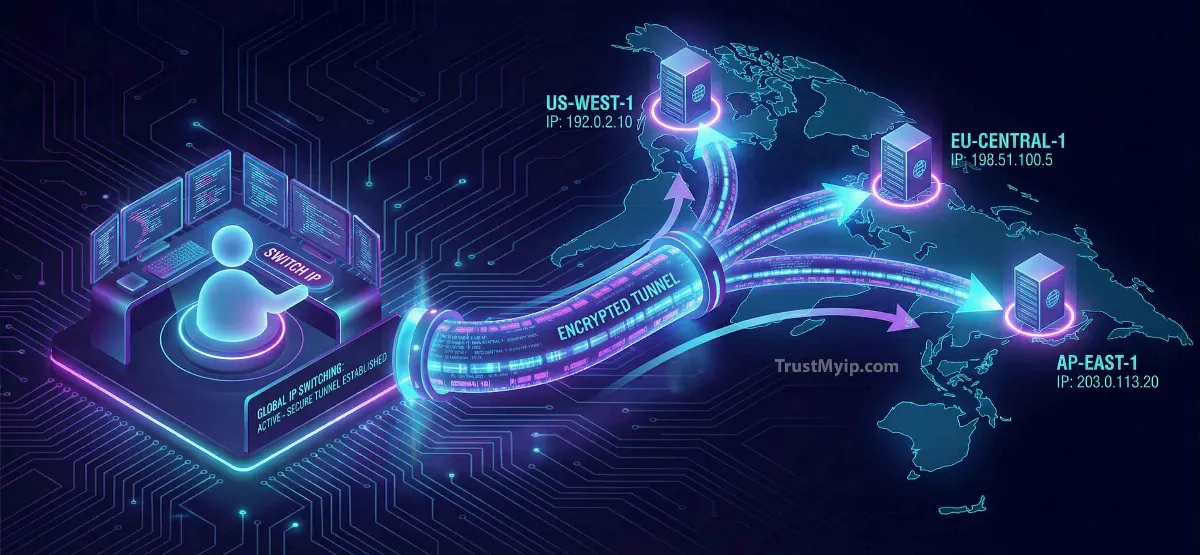
Whether you are trying to bypass a geo-blocked streaming service in London, avoid an unfair IP ban in a game, or simply protect your digital footprint from trackers, your IP is the target. In 2026, your Network Identity is more exposed than ever. Knowing how to change your IP address isn't just a technical trick—it is a fundamental skill for digital privacy and global connectivity.
"In my years of auditing enterprise security, I've seen that most users confuse changing their Internal IP with their Public IP. If you want to hide from a website, changing your router's local settings won't help. You need to manipulate your ISP's DHCP allocation or use a VPN tunnel to truly shift your external identity."
1. Public vs. Private IP: What are you actually changing?
Before you start clicking buttons, you must understand the two types of addresses your device holds. Changing the wrong one will solve nothing.
Public IP (External)
Assigned by your ISP (Internet Service Provider). This is how the world sees you. You change this to bypass geo-blocks or hide your location.
Private IP (Internal)
Assigned by your Router. This identifies your phone vs. your laptop inside your house. You change this to fix IP conflict errors.
Not sure what your current identity is? Use our Public IP Lookup Tool to see your current address, city, and ISP before you make any changes.
2. How to Change Public IP Address (3 Professional Methods)
These methods are designed to change how the internet perceives your location and identity.
VPN (The Gold Standard)
A VPN creates an encrypted VPN tunnel. When you connect to a server in the USA or Japan, your real IP is masked by the server's IP. This is the best for privacy.
The Router Restart
Most ISPs use Dynamic IP addresses. By unplugging your router for 5 minutes, you force the ISP to give you a new DHCP allocation when you plug it back in.
Proxy Servers
A proxy acts as a middleman for your web traffic. While it changes your IP for the browser, it doesn't encrypt your whole system like a VPN.
3. How to Change IP Address on Windows 10/11 & MacOS
If you're dealing with a "Limited Connectivity" error on your computer, follow these Standard Operating Procedures (SOPs) to refresh your internal identity.
Windows (Command Line)
Open CMD as Admin and type ipconfig /release followed by ipconfig /renew. This tells your router to drop your current private IP and assign a new one.
MacOS (System Settings)
Go to System Settings > Network > Wi-Fi > Details > TCP/IP. Click "Renew DHCP Lease." Your Mac will instantly refresh its logical address.
4. Changing IP Address on Android & iPhone (iOS)
Mobile devices are tricky because they switch between Wi-Fi and Cellular data. Each connection has its own MAC Address and unique IP.
For Wi-Fi Connections
Forget the network in your settings and reconnect. If you need a Static assignment, go to IP Settings and switch from "DHCP" to "Static" to manually enter your desired address.
For Cellular Data
Simply toggle Airplane Mode on for 30 seconds. This disconnects you from the cell tower, forcing the carrier to give your cell phone a new IP from their pool when you reconnect.
5. Static vs. Dynamic IP: Which is better?
When you decide how to change your IP address, you must choose between a moving target and a fixed one.
| IP Type | Stability | Best Use Case |
|---|---|---|
| Dynamic IP | Changes Frequently | Everyday browsing & Maximum Privacy |
| Static IP | Permanent | Hosting Servers, CCTV, Remote Work |
6. Troubleshooting: Why won't my IP Address change?
If you've tried restarting your router and using a VPN but your location still shows as the same, you might be facing technical constraints:
-
Carrier-Grade NAT (CGNAT)
If your ISP (like T-Mobile or Verizon 5G) uses CGNAT, your IP is shared with thousands. Changing it is almost impossible without a VPN.
-
DNS Leaks
Your IP might change, but your browser is still leaking your old location via DNS Resolution. Always audit your settings after a change.
7. The Pro Hack: MAC Address Cloning
If your ISP refuses to give you a new IP even after a restart, they are likely tracking your MAC Address.
By going into your router's settings and using the "Clone MAC Address" feature, you trick the ISP into thinking you have a brand new Network Interface Card (NIC). They will instantly assign you a fresh Public IP.
Before cloning, identify your current hardware manufacturer using our MAC Lookup Tool.
IP Change FAQ
Is changing your IP address legal?
Yes. Changing your IP for privacy or troubleshooting is perfectly legal in the USA and most countries. However, using it to commit fraud or bypass legitimate security is illegal.
Does a VPN change my MAC address?
No. A VPN only changes your Public IP. Your MAC Address remains tied to your physical hardware. Learn more in our MAC vs IP guide.
Will changing my IP slow down my internet?
If you use a high-quality VPN, the speed drop is negligible. However, using a free proxy can significantly increase latency. Check your speed with our Speed Test Tool.
Conclusion: Master Your Digital Identity
Knowing how to change your IP address is about more than just a new number—it is about taking control of your corporate security and personal privacy. Whether you choose the encrypted power of a VPN tunnel or the simplicity of a router reboot, regularly auditing and managing your IP is a best practice for any modern internet user in 2026.
Is Your IP Leaking?
Even after changing your IP, trackers might still see your location. Use our forensic toolkit to audit your DNS, Proxy status, and Browser Fingerprint in seconds.