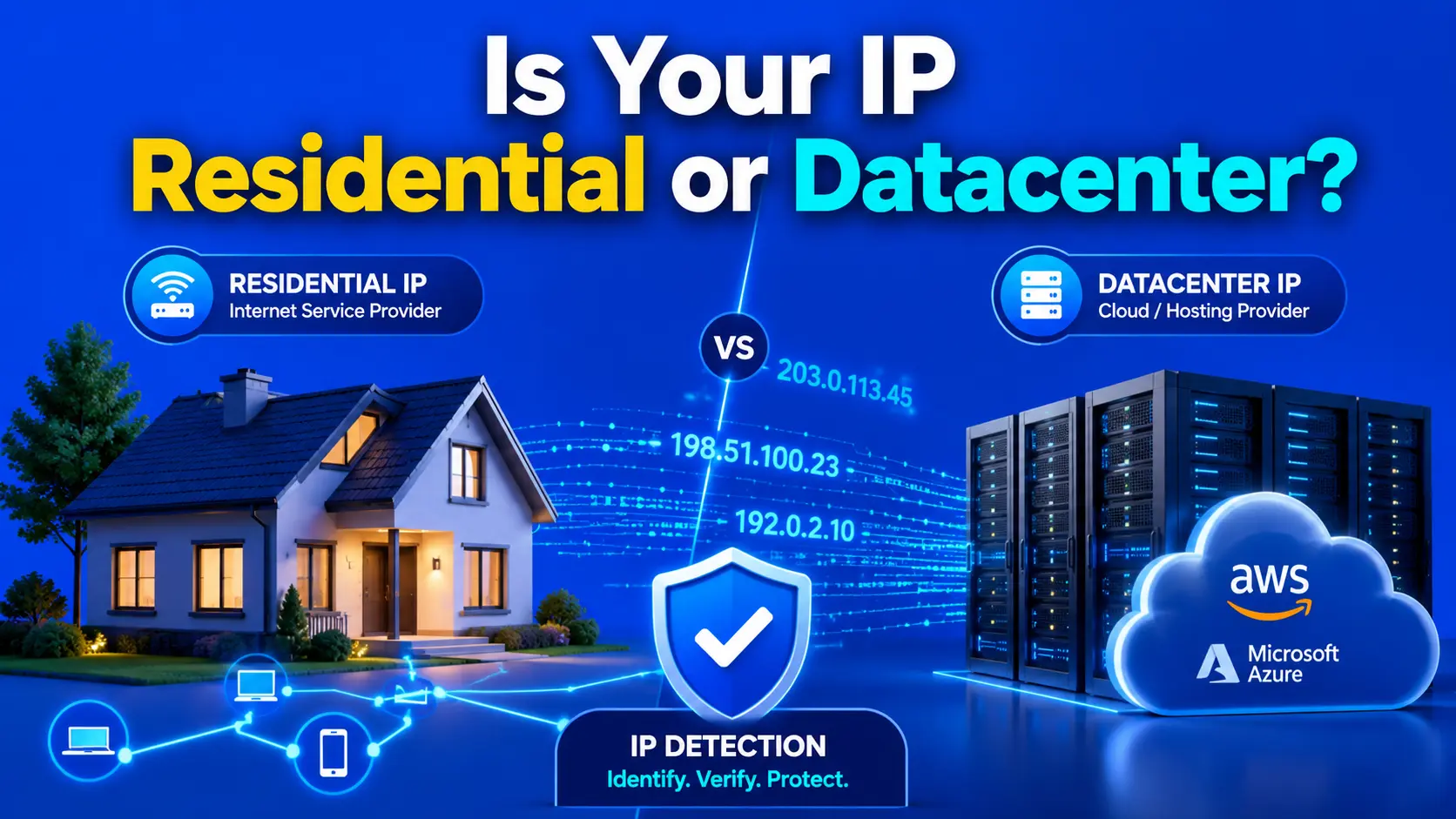
A residential IP address tells every website you visit that a real person — sitting at home — is browsing the web. A datacenter IP tells the same website that a server, bot, or VPN exit node is connecting instead. That single distinction determines whether you get seamless access or a CAPTCHA wall, a fraud flag, or an outright block. Knowing which type your IP is — right now — takes about three seconds with the right tool.
The problem is that most people have no idea what their IP looks like to the outside world. Your ISP assigns you an IP. Your VPN assigns you a different one. Your office network, your cloud server, your mobile hotspot — each carries a completely different identity signal. Halfway through 2026, that identity signal has never mattered more. The 2025 Imperva Bad Bot Report found that automated traffic crossed 51% of all global web activity in 2024 — the first time bots have outnumbered humans online in over a decade — and websites have responded by aggressively flagging any IP that doesn't look like a real residential connection.
This guide explains exactly how residential and datacenter IP detection works, why the difference affects everything from email deliverability to account access, and why TrustMyIP's Cloud IP Check is one of the more precise free tools available in 2026 for identifying your IP's true classification — including which major cloud provider owns it.

A pattern I keep running into with clients: an email marketing campaign collapses overnight, open rates drop to near zero, and the sending domain gets flagged — and the root cause traces back to a hosting provider quietly migrating outbound mail servers onto a cloud IP range without telling anyone. Every receiving mail server instantly classifies that traffic as datacenter-origin and rejects delivery. Until someone runs a cloud IP check and identifies the specific subnet, nobody even knows the sending IP changed classification.
What surprises me is how few people check their IP type proactively rather than after something's already broken. Datacenter IP detection is now baked into every major fraud prevention stack — Stripe, Shopify, and Cloudflare all evaluate IP origin as a primary risk signal. One caveat worth knowing: ISP proxy IPs sit in a genuine grey zone — they look residential in most databases but actually run on server infrastructure, and detection accuracy varies between tools depending on how current their ASN data is.
Quick Answer: Check If IP Is Residential or Datacenter
A residential IP is assigned by an ISP to a home internet subscriber, while a datacenter IP originates from a cloud provider like AWS, Azure, or Google Cloud — and websites treat these two types completely differently for fraud, access, and bot detection purposes. You can identify your IP's exact classification — including which cloud provider owns it — using the free Cloud IP Check tool, which cross-references live ASN data, rDNS records, and published cloud CIDR ranges in real time.
What Is the Difference Between a Residential and Datacenter IP?
A residential IP address — one assigned by a consumer ISP like Comcast, AT&T, Verizon, BT, or Deutsche Telekom to a home broadband subscriber — carries an inherent legitimacy signal. The Autonomous System Number (ASN) behind it is registered as consumer-grade infrastructure. When a website's server receives a request from that IP, it sees traffic from a real household. No automatic suspicion. No elevated risk score.
A datacenter IP address works differently at the network level. These IPs are allocated to cloud providers and hosting companies — Amazon Web Services (AWS), Microsoft Azure, Google Cloud Platform (GCP), DigitalOcean, Hetzner, OVH, and thousands of others. Their ASNs are registered as commercial hosting infrastructure. A request arriving from one of these ranges immediately tells the receiving server: this traffic is not coming from a person's home connection.
The classification also extends to three additional types that sit between these two poles. Mobile IPs are carrier-assigned addresses from 4G/5G networks — considered the most trusted type by most fraud platforms. ISP proxies (also called static residential proxies) are technically hosted on server hardware but registered under consumer ISP ASNs, creating a deliberate grey zone. VPN and proxy IPs can be either residential or datacenter origin depending on the provider's infrastructure.
| IP Type | Origin | Trust Level | Common Examples |
|---|---|---|---|
| Residential | Home ISP subscriber | High — treated as genuine user | Comcast, Verizon, BT, Jio |
| Mobile | 4G/5G carrier network | Highest — dynamic, carrier-verified | AT&T, T-Mobile, Vodafone |
| Datacenter | Cloud hosting provider | Low — flagged by most bot systems | AWS, Azure, GCP, DigitalOcean, Hetzner |
| ISP Proxy | Consumer ASN, server-hosted | Medium — varies by database | Static residential proxy providers |
| VPN / Proxy | VPN provider infrastructure | Low–Medium — actively monitored | NordVPN, ExpressVPN, Mullvad exit nodes |
Understanding your IP's classification is not just an academic exercise. Every major platform you interact with — payment processors, streaming services, social networks, email providers — runs this classification check on every single connection. The next section explains exactly why this matters more in 2026 than it ever has before.
Why Does Your IP Type Matter More in 2026 Than Ever Before?
Your IP type is now one of the first signals many serious websites evaluate — often before they check your cookies, your browser fingerprint, or your login credentials. Bots overwhelmed global web traffic in 2024: the 2025 Imperva Bad Bot Report found automated traffic crossed 51% of all global web activity for the first time in a decade, with bad bots alone accounting for 37%. Cloudflare's most recent Year in Review independently found that, as of early December 2025, non-AI bots generated 44% of HTML page requests across its network versus 47% from humans — with Googlebot's dual-purpose search-and-AI-training crawler alone responsible for another 4.5%. Websites have responded by tightening datacenter IP restrictions sharply.
The practical impact reaches every area of online activity. Email deliverability depends on your sending IP's origin — most spam filters treat datacenter IPs as high-risk senders by default, regardless of your domain reputation. E-commerce fraud prevention systems at Stripe and PayPal assign elevated risk scores to checkout sessions originating from cloud provider IPs because real buyers do not typically shop from AWS servers. Streaming platforms like Netflix and Disney+ use datacenter IP detection as a primary layer of their geo-restriction enforcement.
For anyone running a VPN, the situation is particularly important. A VPN routes your traffic through an exit node — but if that exit node sits on DigitalOcean or Linode infrastructure, your IP shows up as a datacenter address, not a residential one. Your VPN hides your real IP, but it may replace it with something websites trust even less. Checking your IP type after connecting to a VPN is the only way to know what signal you're actually sending.
There's also a fraud detection dimension worth understanding precisely rather than loosely. GreyNoise's April 2026 report, based on an analysis of 4 billion malicious sessions targeting internet-facing devices over 90 days, found that 39% of unique IPs targeting network edges trace back to residential internet connections — nearly double their share of overall sessions — and that 78% of those residential IPs appear in only one or two sessions before disappearing entirely, often because the underlying device was compromised rather than knowingly enrolled. That combination — high volume, short lifespan — is exactly what makes blocklist-style defenses structurally unable to keep up, and it's part of why detection has shifted toward behavior analysis rather than static reputation lists.
How Do Websites Actually Detect Datacenter IPs?
Websites don't guess whether an IP is residential or datacenter — they run structured lookups against multiple data sources simultaneously. Understanding these detection methods explains why some tools are far more accurate than others, and why a basic IP lookup isn't the same as a proper cloud IP check.
The primary method is ASN classification — Autonomous System Number lookup. Every IP block on the internet is registered to an ASN. ASNs registered to cloud providers carry labels that immediately identify their commercial hosting nature: AS14618 and AS16509 belong to Amazon/AWS, AS8075 to Microsoft Azure, and AS15169 to Google. Any IP falling within these ASN ranges is definitively datacenter-origin — no ambiguity. Worth knowing if you're troubleshooting a Google Cloud IP specifically: Google has begun routing a growing share of workloads onto a newer, dedicated cloud ASN (AS396982) separate from the legacy AS15169, which now carries more of its general/search infrastructure — a distinction that matters if you're cross-referencing an IP against an older ASN list that only knows about AS15169.
The secondary method is reverse DNS (rDNS) lookup. Cloud providers publish their IP ranges and their rDNS patterns. AWS instances produce rDNS records like ec2-13-212-X-X.ap-southeast-1.compute.amazonaws.com. Google Cloud IPs resolve to a reversed-octet pattern ending in bc.googleusercontent.com. Azure IPs follow similar patterns. A proper cloud IP check reads these rDNS records and matches them against known provider patterns — providing a second, independent confirmation layer beyond ASN alone.
The third method uses published CIDR block lists. AWS, Azure, and Google Cloud all publish their complete IP ranges as machine-readable JSON files, updated continuously — AWS publishes its ranges at ip-ranges.amazonaws.com/ip-ranges.json. A detection tool that queries these live published lists achieves near-perfect accuracy for major cloud providers, because it uses the providers' own authoritative data rather than a third-party database that may lag by days or weeks.
Residential IP detection works by elimination combined with positive ISP confirmation: if an IP's ASN is registered under a consumer ISP, its rDNS follows residential hostname patterns, and it doesn't appear in any known datacenter CIDR range, it's classified residential. Mobile classification is determined by carrier ASN registration under national telecommunications operators. Knowing all three methods helps explain why a multi-source approach produces more reliable results than a single-database lookup.
What Makes TrustMyIP Cloud IP Check Useful in 2026?
Many IP type checkers online run a single database lookup and call it done. TrustMyIP's Cloud IP Check uses all three detection methods described above — ASN analysis, rDNS record inspection, and live published CIDR range matching — cross-referenced in a single query. That multi-source approach is what separates it from tools that check only one layer.
| Feature | TrustMyIP Cloud IP Check | Generic IP Lookup Tools |
|---|---|---|
| ASN classification | ✅ Yes — live data | Sometimes — often cached |
| rDNS record analysis | ✅ Yes — per-query lookup | ❌ Rarely included |
| Published cloud CIDR ranges | ✅ Yes — AWS, Azure, GCP, DigitalOcean | ❌ Not typically used |
| Identifies specific cloud provider | ✅ Names the exact provider | Usually just "datacenter" |
| Free, no account required | ✅ Completely free | Often paywalled for full results |
| Detects your own IP automatically | ✅ Instant auto-detection | Varies — many require manual entry |
The tool's ability to name the specific cloud provider — not just say "datacenter" — is particularly valuable. Knowing your IP resolves to an AWS us-east-1 range versus a DigitalOcean Frankfurt node tells you something completely different about how to fix it. Those are different providers, different IP block reputations, and different remediation paths.
In practice, this shows up most clearly right after connecting through a VPN: a commercial VPN's exit node can resolve to a specific hosting block — a DigitalOcean or Hetzner range in a particular country, say — while a generic IP checker would only tell you "datacenter / hosting" and stop there. That level of specificity is what actually helps when you're troubleshooting why a particular platform is blocking your connection.
For users who want to go further — checking whether their IP carries fraud flags or proxy detection marks alongside its type classification — pairing the Cloud IP Check with TrustMyIP's IP fraud risk assessment tool gives a fuller picture of how your address appears to fraud prevention systems.
How to Use TrustMyIP Cloud IP Check: Step-by-Step
Check Your IP Type in Under 60 Seconds
1 Open the Tool
Navigate to trustmyip.com/cloud-ip-check. The tool automatically detects your current IP address — no typing required. Your active connection's IP loads instantly in the input field.
2 Check Your Own IP or Enter Any IP
To check your current connection, run the scan immediately. To investigate a different IP — a server you manage or a connection you're troubleshooting — clear the field and type the IPv4 or IPv6 address manually. Both formats are supported.
3 Read the Classification Result
The result shows the IP type (Residential, Datacenter, Mobile, or Hosting), the detected cloud provider if applicable, the ASN and organization name, and the rDNS hostname. For datacenter IPs, the specific provider — AWS, Azure, GCP, Hetzner, OVH, and others — is named directly.
4 Test After VPN or Proxy Connection
Connect to your VPN, then re-run the check. A residential-quality VPN should return a residential or ISP classification. If it returns datacenter, your VPN is routing through cloud infrastructure — which explains any access issues on streaming platforms, payment portals, or verified accounts.
5 Cross-Reference With Your IP Reputation
IP type and IP reputation are separate signals. An IP can be residential but still carry spam flags from previous abuse. After confirming your IP type, run a blacklist check to verify your address is clean across major reputation databases — the full picture needs both checks together.
What Does Your Cloud IP Check Result Actually Mean?
Getting a result from a cloud IP check is straightforward. Understanding what that result means for your specific situation takes a little more context, because the implications differ depending on what you're trying to do online.
A residential result means your connection originates from an ISP-assigned consumer block — the cleanest outcome for most use cases: email sending, account access, payment processing, streaming access, and form submission. Websites assign baseline trust to residential IPs before any behavioral analysis even begins.
A datacenter result — particularly one naming a major cloud provider — means your traffic is leaving through server infrastructure. If you're on a VPN and get this result, your provider is routing you through cloud servers, not residential exit nodes. For developers and sysadmins testing from a VPS, this is expected. For anyone who specifically paid for a "residential VPN," it's worth investigating.
Residential Result — What It Means
- →Email delivery treated as legitimate sender
- →Payment processors assign lower fraud risk score
- →Streaming platforms apply geo rules, not bot rules
- →Account platforms treat you as a genuine user
Datacenter Result — What It Means
- →Mail filters classify your sending IP as high-risk
- →Stripe, PayPal flag transaction for manual review
- →Streaming platforms trigger geo or bot block
- →Sites with Cloudflare protection may challenge or block
A mobile result is the highest-trust classification and typically causes zero friction. An ISP proxy result sits in a grey zone — most platforms treat it as residential, but fraud detection at major financial institutions may evaluate the underlying ASN more carefully. Once you know your result, the next section explains the most common reasons people end up with an unexpected classification.
When Should You Actually Check Your IP Type?
There are specific situations where knowing your IP type isn't optional — it's the only way to diagnose what's going wrong. Most people only run a cloud IP check after something breaks; running it proactively prevents the break from happening in the first place.
- → Before launching an email campaign — if your sending server's IP is in an AWS or Azure range, your deliverability is compromised from the first send. Checking identifies the problem before your sender reputation takes a hit.
- → After connecting to a VPN — your VPN's exit node may classify as datacenter, which triggers blocks on streaming platforms, bank portals, and verified social accounts. A quick check confirms what your connection actually looks like externally.
- → When a payment is declined without explanation — payment processors like Stripe use IP type as a real-time fraud signal. A datacenter classification can cause automatic declines on legitimate purchases, especially for high-value transactions.
- → When debugging a web application — developers testing from a VPS or CI/CD pipeline will always get datacenter results. Knowing this upfront prevents false-positive fraud flags during development and staging.
- → When vetting a third-party sending provider — if a marketing platform, analytics tool, or SMTP relay sends traffic on your behalf, their IP's classification directly affects your brand's reputation. Check it before signing the contract.
For businesses running legitimate brand-protection or price-monitoring lookups where IPs need periodic re-verification, running checks against a tool that names the specific cloud provider is the reliable way to catch mis-categorized IPs before they cause downstream failures. A useful companion for verifying proxy-type IPs is TrustMyIP's proxy detection checker, which confirms whether an IP is flagged as a known proxy node independently of its origin classification.
Common Reasons Your IP Shows as Datacenter (And What to Do)
Getting a datacenter classification when you expected a residential one is more common than most people realize — and the cause is almost always one of five specific scenarios. Understanding which one applies tells you the exact remediation path.
| Cause | Why It Happens | What to Do |
|---|---|---|
| VPN on datacenter infrastructure | Your VPN provider routes through cloud servers, not residential nodes | Switch to a VPN server marketed as "residential IP" — verify after connecting |
| Corporate or office network | Business ISP connections often use commercial ASNs that overlap with datacenter ranges | Expected behavior — use mobile tethering for residential classification if needed |
| ISP block re-assignment | IP blocks change ownership — a previously residential range may transfer to a cloud provider | Contact your ISP or release/renew your DHCP lease for a fresh IP from a confirmed residential block |
| Shared hosting SMTP relay | Email provider migrated outbound servers to cloud infrastructure without notice | Check your SMTP relay provider's sending IP range — switch providers if cloud-origin is confirmed |
| Database lag / mis-classification | Some tools rely on stale WHOIS or third-party data — a newly residential IP can take weeks to update | Cross-check across more than one tool — trust the source with the freshest live data |
One thing worth understanding: not all datacenter classifications are problems that need fixing. If you run a legitimate server, test automation, or CI/CD pipeline from a VPS, your IP is supposed to look like a datacenter. The issue only arises when a datacenter classification is unexpected, or when it's blocking access to services that require residential origin.
For users who need to understand their full anonymity picture beyond just IP type — including WebRTC leak status, browser fingerprint, and timezone consistency — TrustMyIP's complete browser leak detection suite runs all of these checks in one place. Knowing your IP type is the first layer; knowing what your entire browser session reveals is the full picture. Understanding your IP's reputation score adds the third dimension that type classification alone can't show.
The Fastest Way to Check Your IP Type Right Now
Checking whether your IP is residential or datacenter doesn't require technical knowledge, a paid subscription, or an account. TrustMyIP's Cloud IP Check runs the full three-layer analysis — ASN classification, rDNS lookup, and live CIDR block matching — for any IP address, instantly, at no cost.
The tool was built for the use cases that matter most: verifying your VPN's exit node quality, diagnosing unexpected platform blocks, auditing email sending infrastructure, and checking a vendor's IP before onboarding them. It names the specific cloud provider when a datacenter classification is returned — the detail that actually drives remediation.
For anyone working with proxies for legitimate business purposes, understanding IP classification connects directly to evaluating proxy quality. Our guide on why residential proxies behave differently from datacenter proxies at the network level covers the technical reasons behind the detection gap in more depth.
The broader context of how IP checker tools work and what they actually measure puts the cloud IP check in perspective alongside other lookup tools — IP geolocation, WHOIS, and reputation checks all serve different diagnostic purposes, and knowing which tool answers which question saves real troubleshooting time.
Halfway through 2026, with bot traffic having overtaken human traffic and detection systems updating in near-real time, knowing your IP type is no longer optional background knowledge — it's a practical diagnostic step that belongs in every developer, marketer, and privacy-conscious user's toolkit. Run the check. Know what your connection looks like from the outside. Then act on what you find.
Find Out What Your IP Really Is
Run TrustMyIP's free Cloud IP Check — ASN analysis, rDNS lookup, and live CIDR matching in one instant result. No account. No cost.