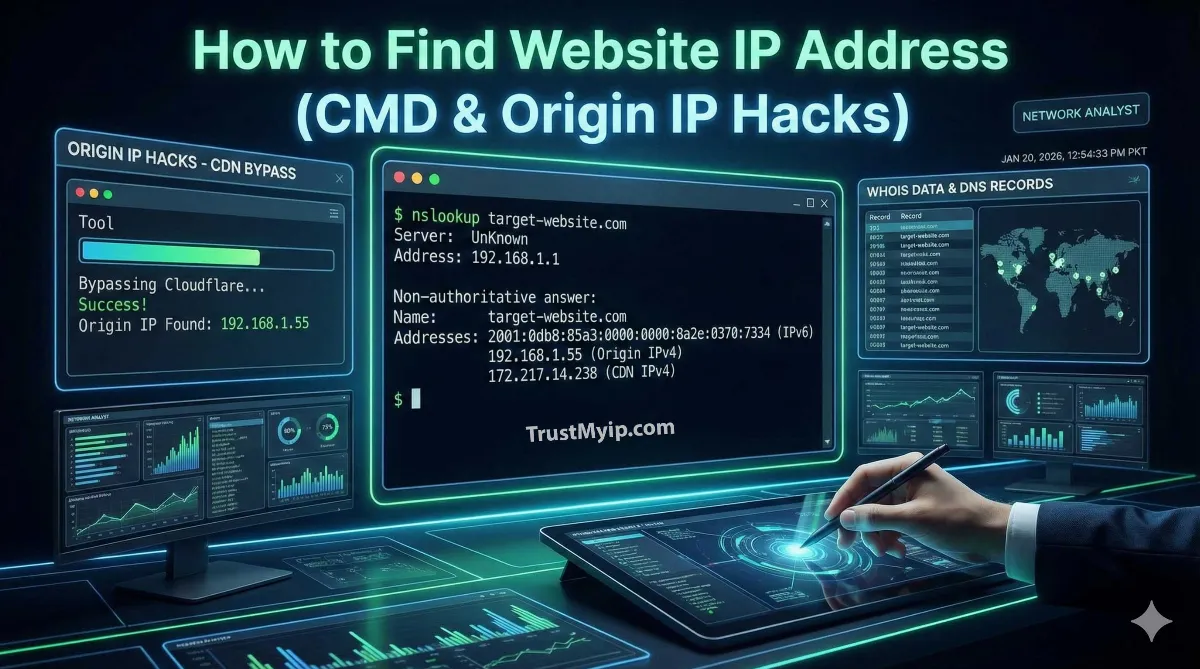
In the digital architecture of 2026, domain names like example.com act as user-friendly masks for numeric identities. However, for authorized users—developers, security researchers, and network admins—seeing the mask isn't enough. You need to identify the exact numeric IP of the host server.
Whether you are troubleshooting network path latency or performing a corporate security audit, knowing how to find the ip address of any website server is a critical forensic skill. Modern websites often hide behind massive CDN layers, making origin discovery a multi-layered challenge.

"In my years of conducting WHOIS Forensics, I've seen that a simple ping only scratches the surface. In 2026, finding the IP address of a website requires moving past public DNS Resolution. You must look into historical records, SSL fingerprints, and even email headers to unmask the true origin IP hidden behind protective firewalls."
The Quick Resolution: Finding Website IP
The fastest way to find a website's IP is via the Command Prompt (CMD) by typing ping domain.com or nslookup domain.com. For professional network documentation, use a specialized WHOIS lookup tool to find server ownership, registrar data, and numeric IP ranges.
1. Command Line Forensics: Ping and Nslookup
The primary technical network tools for IP identification are built directly into your OS. These tools query the Domain Name System (DNS) to return the records associated with a hostname.
The Ping Command
Typing ping google.com performs an immediate DNS Resolution and sends small data packets to the server. The first line of the output reveals the numeric IP address the domain is currently using. However, if the site uses Anycast Routing, you may see different IPs based on your geography.
Interactive Nslookup
For deeper WHOIS style data, use nslookup. Type nslookup, hit enter, and then type set type=any before entering your target domain. This returns all A (IPv4), AAAA (IPv6), and MX (Mail) records, giving you a full view of the server's network identity.
2. The WHOIS Power Play: Unmasking Ownership
While CMD gives you the IP, a WHOIS lookup reveals who actually owns the hardware. This is essential for cybersecurity investigations and malware prevention.
Use our Advanced WHOIS Lookup Tool to perform an exhaustive search. This tool queries the five global RIRs (ARIN, RIPE, APNIC, LACNIC, and AFRINIC) to provide:
- • Registrant Details: The organization managing the public data.
- • NetRange: The full block of numeric IPs assigned to the server.
- • Abuse Contact: Information for reporting cybersecurity threats.
3. Advanced Logic: Unmasking Origin IPs Behind Cloudflare
Many modern sites use a Web Application Firewall (WAF) like Cloudflare or Akamai. In these cases, nslookup only shows the CDN's proxy IP, not the real server IP. To find the origin IP, you must use forensic archaeology.
| Forensic Method | Technical Mechanism | Success Rate |
|---|---|---|
| Historical DNS | Reviewing A records from before the CDN was active. | High |
| SSL Fingerprinting | Scanning port 443 for certificates matching the domain. | Moderate |
| Email Headers | Inspecting Received headers in emails sent by the site. | Critical Gap |
4. Browser Developer Tools: The Developer’s Shortcut
If you don't want to use the command line, you can find the IP address directly in your browser. This is helpful for identifying the network identity of specific assets (images, APIs) hosted on different servers.
DevTools Procedure (F12)
1. Open your website in Chrome/Firefox.
2. Press F12 to open Developer Tools.
3. Navigate to the Network tab and refresh the page.
4. Click on the first request (usually the domain name).
5. Look at the Remote Address under General Headers. This is the numeric IP used for that connection.
5. Advanced Recon: Shodan and Censys Integration
Professional OSINT investigators use IoT search engines like Shodan or Censys to find servers. These tools crawl the World Wide Web and index every public IP based on open ports and banners.
"By searching for a website’s unique Favicon Hash or its Copyright String on Shodan, you can find every server on the internet hosting that specific code. This often reveals dev servers or staging environments that share the same origin IP as the main site."
6. Troubleshooting: Why the IP Might Be Blocked
Sometimes you find the IP, but you cannot connect to it. This is usually due to technical constraints or network access control policies.
- IP Blockades: If you see a 403 error when hitting the IP directly, the server is configured to only accept requests through the CDN. Read our IP Blockade Guide.
- DNS Cache Poisoning: Your local machine might have a stale DNS Resolution. Use ipconfig /flushdns on Windows to force a fresh lookup.
- Subnet Conflicts: If your target is an internal server, ensure there are no IP address conflicts on the local network. Follow our Conflict Resolution Manual.
Conclusion: Reclaiming Digital Transparency
Identifying the IP address of any website server is the first step toward understanding the infrastructure of the internet. While CDN layers and WAF protections create a façade of anonymity, forensic techniques like SSL Fingerprinting and WHOIS analysis restore transparency. In 2026, the most effective authorized users combine automated IP lookups with manual DNS Resolution verification to build accurate network documentation. Whether you are auditing a competitor or securing your own origin IP, stay forensic, stay accurate, and keep mapping the web.
Unmask Any Server!
Don't let hidden servers stay in the dark. Use our forensic toolkit to perform WHOIS lookups, audit DNS health, and verify server IPs in one click.