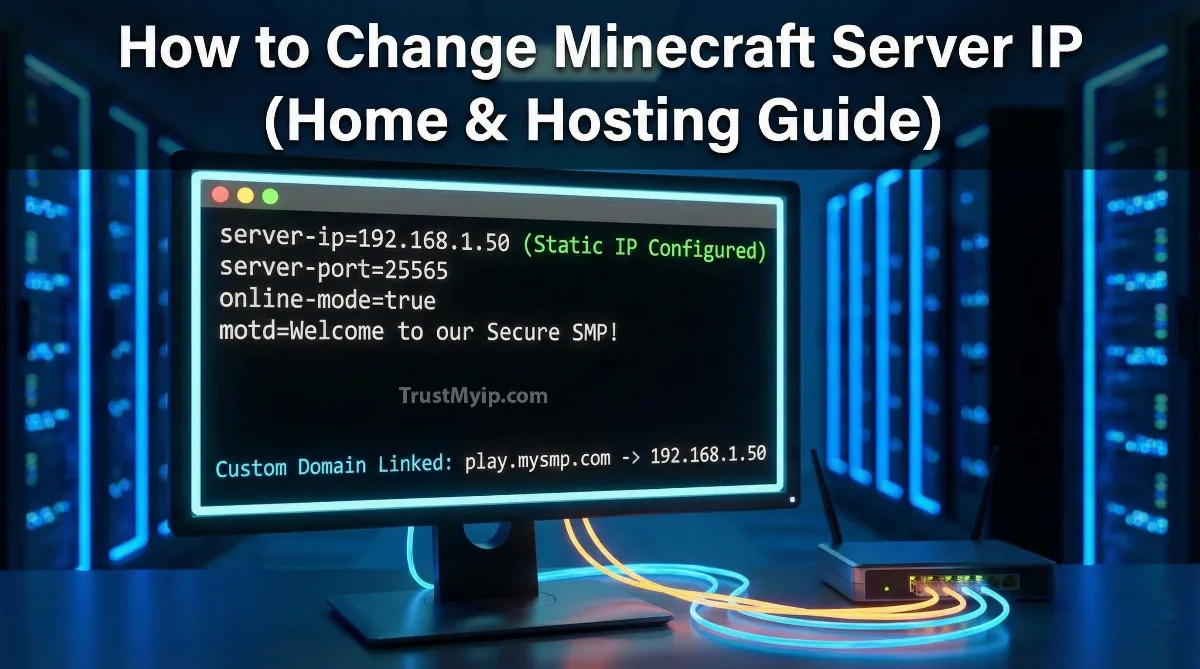
In the competitive world of Minecraft multiplayer, your server’s network identity is its heartbeat. Whether you are running a private SMP with friends or a public Bedrock realm, knowing how to change ip for a minecraft server is a foundational skill for any admin. In 2026, a server IP is no longer just a string of numbers; it is a gateway that determines your internet speed, player latency, and protection against DDoS attacks. To modify server ip effectively, you must understand how DNS Resolution maps your hardware to the World Wide Web.
"In my years of auditing technical network tools and server deployments, I have seen countless admins struggle with 'Port Binding' errors because they don't understand their network path. Changing your Minecraft IP isn't just about editing a config file; it involves authorized provider handshakes, Public IP management, and 2026-grade corporate security protocols. If your IP is leaked, your entire server is vulnerable."
Quick Answer: Modifying Minecraft IP
To modify server ip for Minecraft, you must change your Public IP via your ISP or a VPN tunnel for home hosting. For premium hosting, use the DNS Management panel to create a 'Subdomain' (e.g., play.myserver.com) that points to your server's numeric IP. To fix a ban, you must change your personal network identity using a proxy or new ISP assignment.
3. Case 1: Changing IP on Home-Hosted (PC) Servers
Running a server on your own Windows or Mac machine means your Minecraft IP is tied to your Public IP address. Since most home ISPs use dynamic addresses, your IP will change every time your router reboots.
The Static Internal Assignment
To prevent internal IP address conflicts, you must first set a static local IP. Go to your router settings and reserve an address for your PC (e.g., 192.168.1.50). This ensures the Minecraft software always knows where to "Bind" the port (25565).
Changing the Public IP
To modify public minecraft server IPs for users outside your house, you need to change the IP provided by your ISP.
1. Router Reboot: Turn off your router for 5 minutes. Most ISPs will assign a new numeric IP upon reconnection.
2. Request Static IP: Contact your ISP to pay for a permanent IP if you want a professional network documentation setup.
3. Check Status: Use our IP Identity Tool to find your current Public IP instantly.
4. Case 2: Changing IP on Premium Hosting (Hostinger, Shockbyte, Aternos)
Premium hosts often provide a "Shared IP" with a specific port. If you want a unique network identity, you usually have to upgrade to a "Dedicated IP" plan.
Aternos: How to Change Server Address
1. Log into your Aternos dashboard.
2. Go to the Server tab.
3. Click the Pencil Icon next to your address.
4. Modify your subdomain (e.g., mysmp.aternos.me) and click save. This updates the DNS Resolution record across their network instantly.
5. Advanced: How to Change Minecraft Server IP to Domain Name
In 2026, professional servers never give out their raw numeric IP. Instead, they use a custom domain to mask the underlying infrastructure and protect their corporate security.
| Record Type | Mechanism | Primary Benefit |
|---|---|---|
| A Record | Points domain directly to IP. | Simple DNS Management. |
| SRV Record | Points to IP + Port. | Removes the need to type ':25565'. |
| CNAME | Alias for another domain. | Easier to move to a new host. |
6. Privacy First: Using Proxies & VPNs to Hide Server IP
If you are worried about DDoS attacks, you must hide your network path. How to change ip for minecraft ban often involves using a VPN tunnel to acquire a fresh Public IP from an authorized provider.
Bypassing IP Bans:
"To how to change ip for minecraft ban, you must understand that the server has blacklisted your Public IP or MAC Address. Use a high-quality VPN tunnel to change your geography and acquire a new network identity. For the best 2026 protection, read our Top 5 VPN Guide."
7. Troubleshooting: "Unable to Bind to Port" Error
This is the most common forensic error admins face when they modify smp ip minecraft settings. It means the Minecraft software is trying to use an IP or Port that is already in use or doesn't exist on the hardware.
The Forensic Fix List:
-
Check server.properties: Leave the
server-ip=field blank unless you have a dedicated static IP. This forces the server to bind to all available local interfaces. - Kill Ghost Processes: Sometimes an old instance of the server is still running in the background. Use the Task Manager on Windows to end all Java processes.
- Resolve IP Conflicts: If another device took your PC's IP, you'll hit a wall. Read our IP Conflict Resolution Manual.
8. How to Change IP for a Minecraft Server Bedrock
Bedrock Edition (Console, Android, iPhone) works differently. You cannot easily modify server ip within the game interface unless it is a featured server.
"For Bedrock users, the only way to join a custom IP server on consoles like Xbox or PlayStation is to use a DNS Resolution redirector app or a proxy. By pointing your console's DNS to a specific numeric IP, you can spoof the server list. Check your DNS Auditor status to verify the redirect is active."
Conclusion: Mastering Your Minecraft Network
Mastering how to change ip for a minecraft server is about more than just numbers—it is about managing your network identity to provide a seamless experience for your players. Whether you are using a custom domain to mask a home PC, upgrading to dedicated hosting for corporate security, or using a VPN tunnel to bypass a ban, the goal is resilience. In 2026, the best admins are those who understand their network path and protect their public data from exposure. Stay static, stay secure, and keep crafting.
Is Your IP Leaking?
Protect your SMP from DDoS and bans. Use our forensic toolkit to audit your DNS health, detect Proxy leaks, and verify your 2026 IP reputation in one click.
