DNS & Networking: The Invisible Engine of the Internet
Look, we take it for granted. Every time you type a URL like trustmyip.com and hit enter, a million things happen in milliseconds. But have you ever wondered how your browser actually finds the right server among billions of devices connected to the web? That’s where the world of DNS (Domain Name System) and Networking comes in.
Think of the internet as a massive city. Networking is the complex system of roads and highways, while DNS is the GPS that translates the names of places you know into exact geographical coordinates (IP addresses). Without this synergy, the modern web would collapse into a chaotic mess of numbers.
What Exactly is DNS? (The "Phonebook" Analogy)
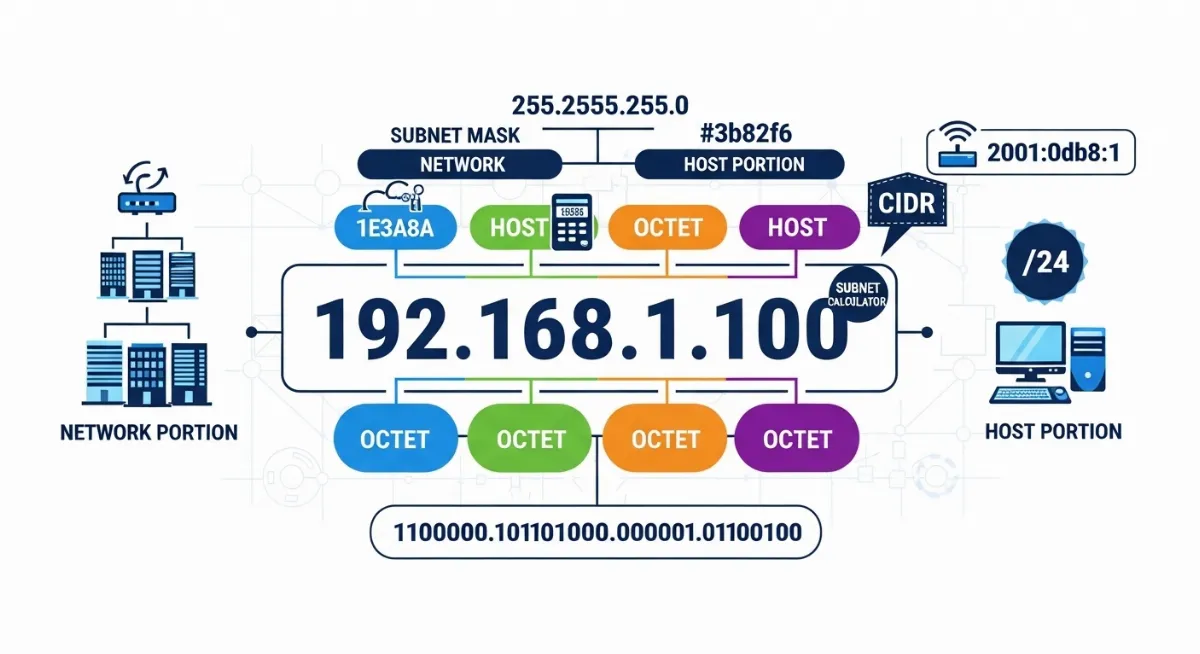
In simple terms, DNS is the internet's phonebook. Humans are good at remembering names, but computers only understand numbers (IP addresses like 192.168.1.1). When you perform a DNS Lookup, you are basically asking a global network of servers: "Hey, I know the name of this site, but what is its actual digital address?"
Advertisement
This process involves several layers, from the Recursive Resolver (your ISP) to the Authoritative Nameservers that hold the final answer. It’s a beautifully orchestrated dance of data that happens every time you open an app or send a WhatsApp message.
Why Networking is the Backbone of Your Experience
Networking isn't just about cables and routers. It’s about Protocols. Whether it's the speed of your connection (Latency) or the way data is split into small pieces (Packets) to travel across the world, networking determines the quality of your digital life. If you've ever experienced "Lag" while gaming or a slow video call, you've felt the impact of network congestion or Packet Loss firsthand.
Deep-Dive into DNS Records: Beyond the Basics
To manage a website or a network, you need to understand the "language" of DNS. These are called DNS Records, and each serves a specific purpose:
Advertisement
| Record Type |
What it Does (The Human Explanation) |
| A Record |
Points a domain to an IPv4 address. The most common "bridge." |
| AAAA Record |
Same as 'A', but for the newer, longer IPv6 addresses. |
| MX Record |
Mail Exchange. It tells the internet where to deliver your emails. |
| CNAME |
Alias record. Points one domain name to another (e.g., www to the root). |
| TXT Record |
Used for verification (like Google Search Console) and security (SPF/DKIM). |
Understanding DNS Propagation: The "Waiting Game"
If you've ever moved your website to a new host, you’ve likely heard the term Propagation. This is the period (usually 24-48 hours) it takes for every DNS server in the world to update its records. It’s frustrating, right? This happens because of TTL (Time to Live) settings. TTL tells servers how long to "cache" or remember the old information before checking for an update.
Look at it this way: if you move to a new house, it takes time for the post office, your friends, and your bank to all have your new address on file. DNS is no different.
IP Intelligence and Network Security
In today's world, knowing who is connecting to your network is vital. IP Intelligence allows us to see the geographical location, ISP, and even the threat level associated with an IP address. By combining DNS filtering with network monitoring, you can block malicious "Spoofing" attempts and keep your data safe from prying eyes.
Advertisement
Troubleshooting Like a Pro
When the "Internet is down," it’s rarely the whole internet. Usually, it's a small break in the chain. You can use tools like Ping to check connectivity, Traceroute to see exactly where your data is getting stuck, and DNS Lookup to see if your domain is pointing to the right place. Knowledge of these basics turns a frustrating tech problem into a simple 5-minute fix.
Frequently Asked Questions (FAQs)
Q: Can DNS affect my internet speed?
A: Yes! While it doesn't change your "bandwidth," a slow DNS server can make websites take longer to start loading. Switching to a fast provider like Cloudflare or Google can make browsing feel snappier.
Q: What is a "DNS Leak"?
A: It’s a privacy issue where your DNS queries are sent outside of your secure VPN tunnel, potentially revealing your browsing history to your ISP.
Q: Why does my IP address change?
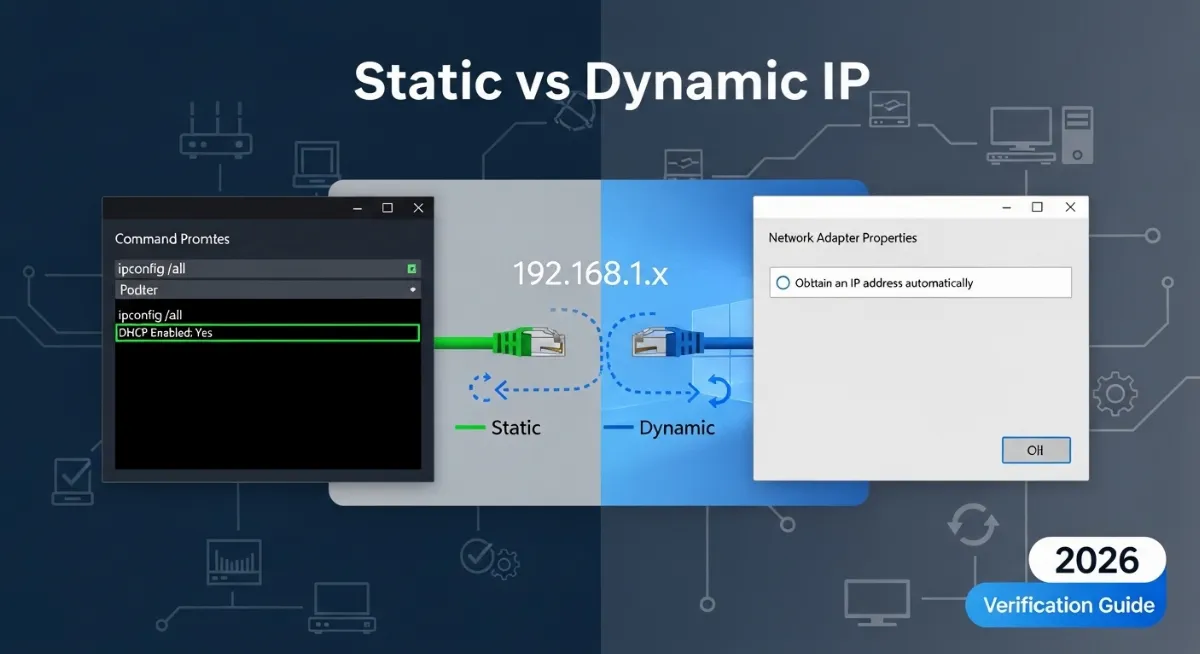
A: Most home connections use Dynamic IP addresses, which are rotated by your ISP to save resources. Static IPs are usually reserved for businesses and servers.