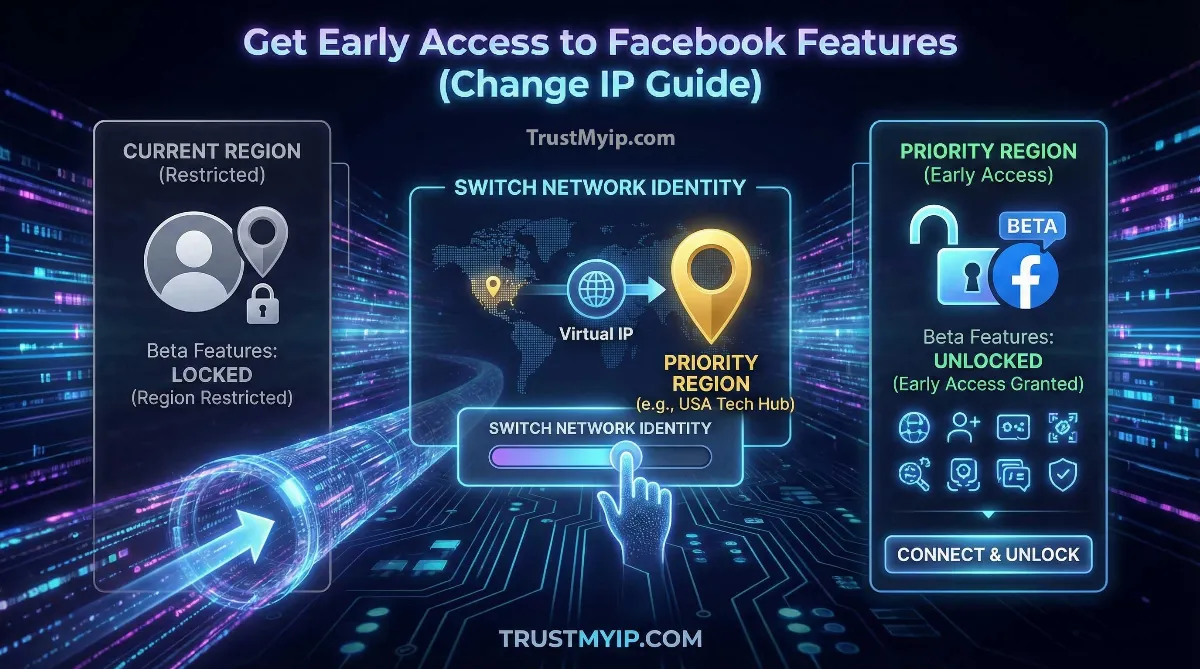
In the digital ecosystem of 2026, Facebook (Meta) often rolls out groundbreaking features like advanced Meta AI tools, new UI layouts, and monetization programs in specific regions like the USA or UK before they go global. If you are stuck in a "Delayed Rollout" region, knowing how to change your IP to get early access to Facebook is the ultimate power move. By strategically shifting your network identity, you can bypass geographic queueing and join the elite group of authorized users testing the future of social media.
"In my years of auditing corporate security for large-scale social platforms, I've observed that Facebook doesn't just check your IP; they check your DNS Resolution path and your MAC Address (via the mobile app). To truly trick the 'Early Access' algorithm, you must align your entire network path with the priority region. A simple proxy won't cut it; you need a cryptographic VPN tunnel with residential-grade reputation."
1. The Science of Geographic Queueing: Why You Need a USA IP
Facebook uses Anycast Routing to distribute traffic across its global data centers. When a new feature is launched, it is mapped to specific "High-Reputation" IP ranges.
Priority Regions vs. Standard Nodes
Meta typically prioritizes Tier-1 markets to gather high-value public data and feedback. If your numeric IP resolves to a Tier-3 country, your account is automatically placed at the end of the server-side update queue. Changing your IP forces Facebook's CDN (Content Delivery Network) to recognize you as a priority user.
Step 0: Identity Check. Before attempting a region switch, use our Public IP Identity Tool to see how Facebook currently sees your location.
2. Method 1: The VPN Tunnel (The Most Reliable Path)
Using a high-quality VPN tunnel is the gold standard for changing your location. It encrypts your public data and replaces your local identity with a server-side IP from a priority region.
The Early Access SOP:
- 1. Download a top-tier VPN. Read our Top 5 VPN Guide for recommendations.
- 2. Connect to a USA (New York or Los Angeles) server. These are usually the first to get Meta AI updates.
- 3. Force-stop the Facebook app on your Android or iPhone.
- 4. Clear the app cache (This is critical to remove old geolocation data).
- 5. Re-open Facebook while the VPN is active.
Trouble with your VPN connection? Check your latency using our Advanced Ping Test to ensure your connection is stable enough for Facebook's heavy data loads.
3. Method 2: Browser DevTools (Forensic Geolocation Spoofing)
Sometimes changing your IP isn't enough because your browser also shares your GPS coordinates. In 2026, Facebook cross-references your network identity with your browser's internal location API.
The Chrome/Edge Spoofing Hack
1. Press F12 on Facebook.com.
2. Click the three dots > More Tools > Sensors.
3. Change the Location to San Francisco.
4. Refresh the page. Facebook now receives USA coordinates alongside your USA IP.
Using Incognito mode while spoofing? Read our verdict on Does Incognito Hide Your IP?
4. Method 3: Residential Proxies (The Pro Freelancer Route)
If you are a social media manager managing multiple accounts, a VPN tunnel might be too "loud" for Facebook's AI firewalls. You need a residential proxy.
| Proxy Type | Safety for Facebook | Best For |
|---|---|---|
| Datacenter Proxy | High Risk (Bannable) | Simple browsing only. |
| Residential Proxy | Elite Safety | Early Access & Multi-Accounting. |
| Mobile Proxy (4G/5G) | Maximum Stealth | Bypassing strict 2026 AI bans. |
Looking for the best residential tools? Read our guide on the Best Residential Proxies of 2026.
5. Combining IP Changes with the Facebook Beta Program
Changing your IP is 50% of the battle. To guarantee early access, you must also enroll your account in Meta's official beta testing channels.
-
Android Beta (Google Play)
Go to the Facebook app page on Play Store. Scroll down to "Join the Beta." Use your VPN tunnel to join the USA beta pool specifically.
-
iOS Beta (TestFlight)
Meta rarely uses TestFlight for the main app, but they do for Messenger. Ensure your Apple ID region matches your network identity.
6. Troubleshooting: Why Your IP Change Didn't Work
If you've connected to a USA IP but still don't see Meta AI or new layouts, you might be facing these technical constraints:
- DNS Leaks: Your Windows PC might be using your ISP's DNS Resolution, telling Facebook you're still at home. Use our Global DNS Auditor.
- Device Cookies: Old Facebook cookies remember your real location. You must clear all site data or use a fresh incognito window.
- MAC Address Visibility: If you are using the Facebook App, it sees your hardware MAC Address and linked accounts. Try accessing Facebook via a mobile browser instead. Read our MAC vs IP Breakdown.
7. Facebook Early Access on Starlink
If you are using Starlink, your network path is already behind a Carrier-Grade NAT (CGNAT).
"Satellite IPs can sometimes confuse Facebook's 'Priority Queue' because they resolve to a ground station rather than your actual home. If you want early access on Starlink, a VPN tunnel is mandatory to force a consistent numeric IP from a high-trust USA data center. Read our Starlink IP Master Guide for more."
Conclusion: Reclaiming the Social Future
Learning how to change your IP to get early access to Facebook is more than just a trick—it's about managing your network identity to stay ahead of the curve. Whether you use a high-throughput VPN tunnel, a stealthy residential proxy, or forensic-grade browser spoofing, you are taking control of your public data experience. In 2026, those who master their network path are the ones who get to test the future first.
Is Your Identity Leaking?
Don't let Facebook block your early access. Use our forensic toolkit to audit your DNS health, check for proxy leaks, and verify your 2026 IP reputation in one click.